01
Upload your product
Take a raw photo or upload a design file. Any background works. Ceriga automatically prepares your asset for clean generation.
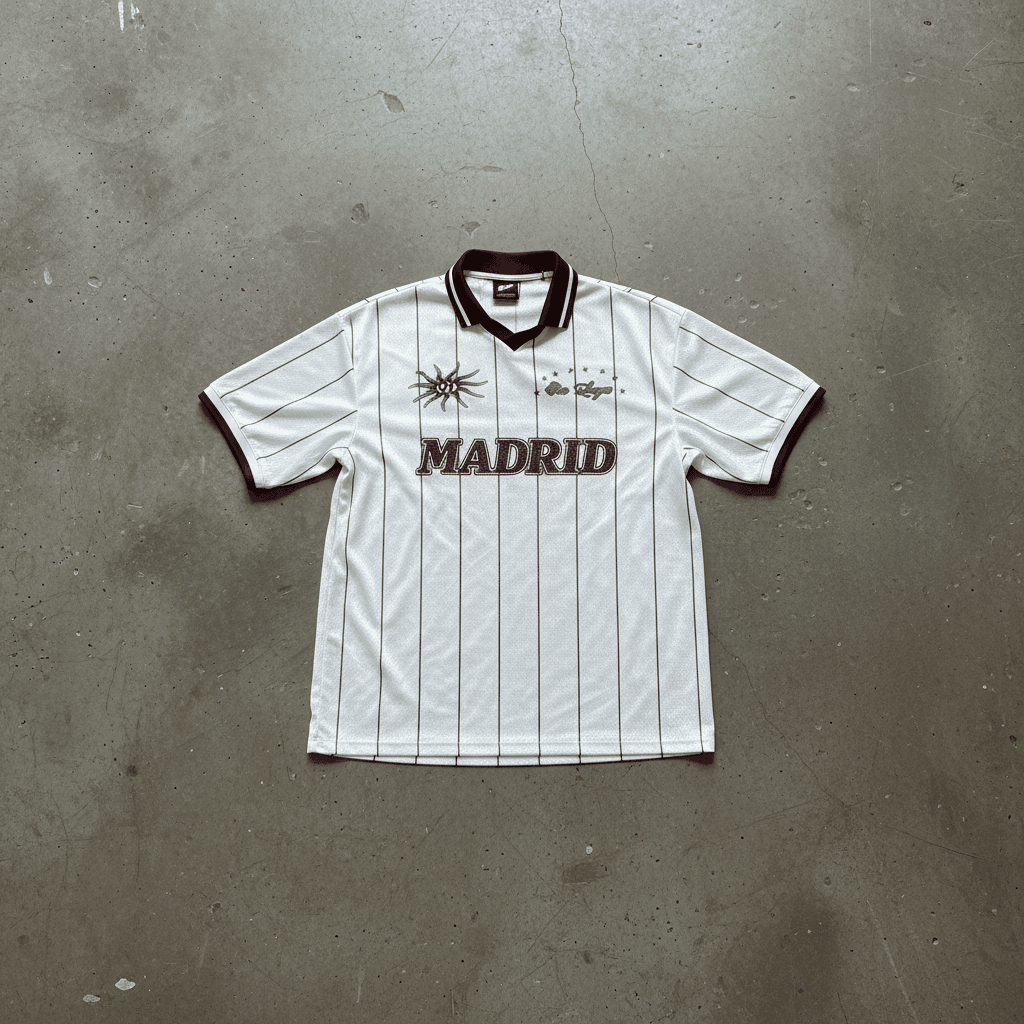
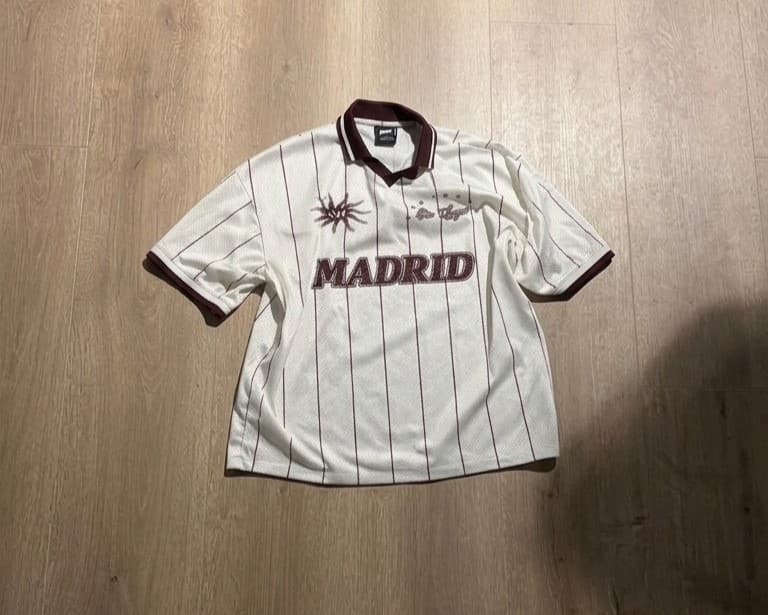
Upload one design, let Ceriga Shots generate polished product visuals, then export platform-ready files. Slide to compare a raw capture versus generated output.
Process
Take a raw photo or upload a design file. Any background works. Ceriga automatically prepares your asset for clean generation.
Select from preset looks or describe your scene. Control lighting, mood, and framing to match your brand direction.
Get polished studio-quality outputs in under 60 seconds. Export in high resolution for ads, PDPs, and social.
Style presets
These presets mirror the visual directions available in Dashboard Generate, and they apply across the product categories configured in Dashboard Settings.
Aged urban concrete, overcast daylight
White backdrop, studio lighting
Seamless charcoal, diffused, cold
Dark marble, soft overhead
Aged wood, window light
Random, never the same